• ✍️ Academic Writing Desk
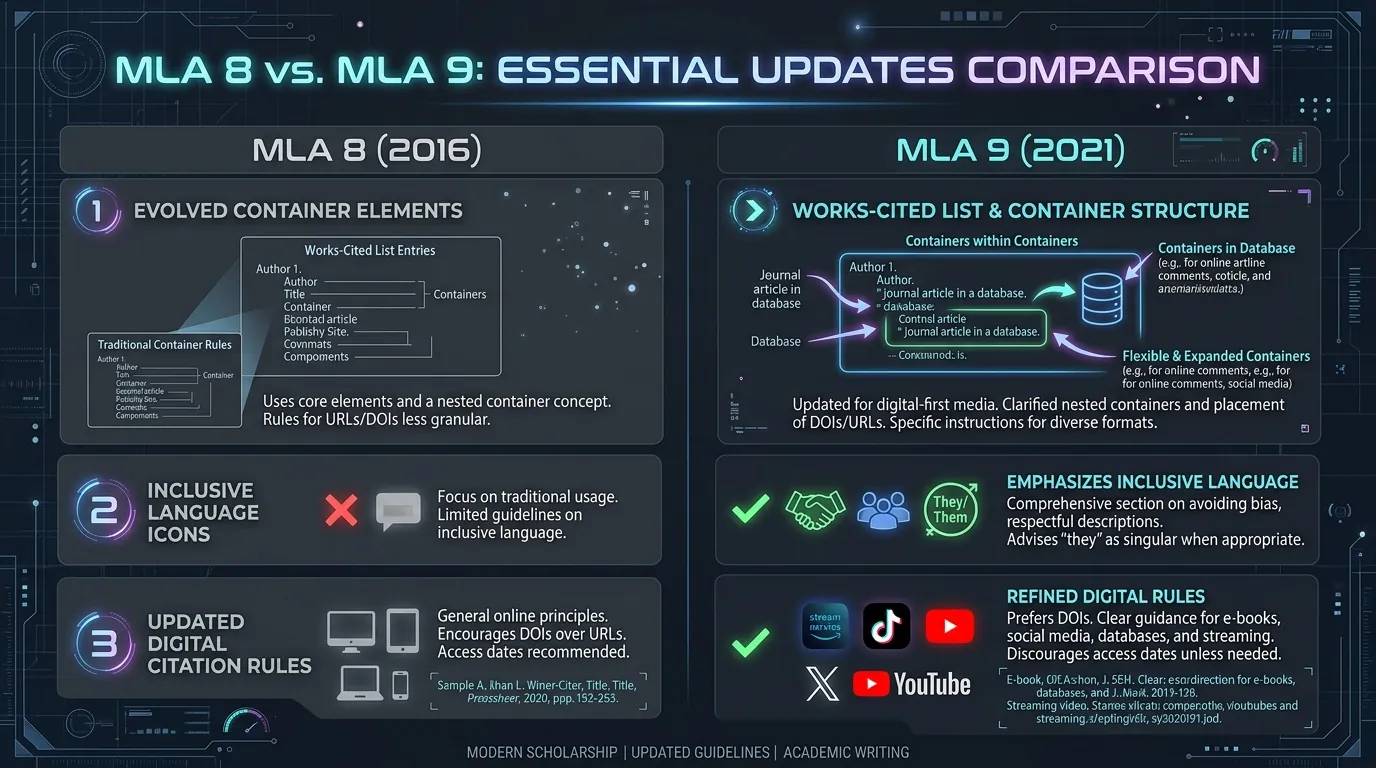
Difference Between MLA 8 and MLA 9 Citations
Detailed comparison of MLA 8 vs MLA 9 citations. Learn what changed, what stayed the same, and how to convert older MLA 8 references to MLA 9.
Read Article →An MLA Citation Generator is a free online tool that automatically creates properly formatted citations in MLA (Modern Language Association) style. Instead of manually formatting sources, students and researchers simply enter details like the author, title, publisher, and date — the tool instantly generates an accurate, ready-to-use citation.
It's widely used for academic writing, research papers, and essays, since MLA style has strict rules for spacing, punctuation, and order of information that are easy to get wrong by hand.
Here are 5 key benefits of using an online MLA citation tool over manual entry:
MLA 9 Core Elements & Container Explorer
Click any of the 9 container elements below to inspect its formatting rules, punctuation placement, and real-time citation highlight.
Author
Select a container element above to highlight its syntax.
How an MLA Citation Generator Works:
Print, ebook, or audiobook editions
Print and online scholarly journals
Print and digital magazine content
Print and online news sources
Webpages, blogs, and online articles
Twitter/X, Instagram, Facebook, TikTok, etc.
Streaming platforms and video-sharing sites
Theatrical releases and streaming content
Individual episodes or full series
Individual episodes or full series
Personal, published, or broadcast interviews
Reports, statutes, and official documents
Published and unpublished academic work
Use our free dedicated generators for specific source formats — each tool has customized fields, formatting logic, and examples.
Cite web pages, online articles, and digital publications with URL and access date fields.
Format print and digital books with author, editor, edition, publisher, and year fields.
Cite peer-reviewed articles with volume, issue, page range, and DOI fields.
Convert any Digital Object Identifier into a properly formatted MLA citation entry.
Identify the exact book edition by ISBN and generate the correct MLA book citation.
Cite PDF documents, reports, and downloadable files based on their content type.
Cite photographs, artwork, and digital images with creator, medium, and location fields.
Format film and documentary citations with director, studio, and streaming platform fields.
Cite YouTube videos with channel name, upload date, and video URL fields.
Cite songs, albums, and music tracks with artist, label, and streaming platform fields.
Cite poems from collections, anthologies, and online sources with line-number guidance.
Cite published, broadcast, and personal interviews with interviewee and container fields.
Inspect properly structured MLA 9th Edition examples for both Works Cited entries and parenthetical In-text citations across common source formats.
MLA Formatting Guide — Key Rules:
An MLA 9 Citation Generator creates citations formatted according to the 9th edition of the MLA Handbook — the current standard used by most schools and universities. It follows the latest core element rules set by the Modern Language Association for structuring both in-text citations and Works Cited entries.
Key features:
Find direct, expert answers to common queries regarding MLA 9th Edition citation rules, PDF referencing, in-text parenthetical citations, and AI tool attribution.
Yes, most MLA citation generators are free and don't require account creation or sign-up.
Yes, MLA 9 (2021) is the current edition used by most schools, though some institutions may still request MLA 8.
Yes — simply start the citation with the title of the page or article instead of the author's name.
Yes, most tools generate both in-text citations (author-page format) and full Works Cited entries.
Yes, MLA 9 generators support modern sources like tweets, Instagram posts, podcasts, and video content.
It's recommended — while generators are accurate, verifying details like dates and publishers helps avoid rare errors.
Yes, most tools let you copy or download the full list in one click for easy pasting into your paper.
Explore our latest in-depth MLA 9 guides, formatting tutorials, and referencing strategies to cite with confidence.
Detailed comparison of MLA 8 vs MLA 9 citations. Learn what changed, what stayed the same, and how to convert older MLA 8 references to MLA 9.
Read Article →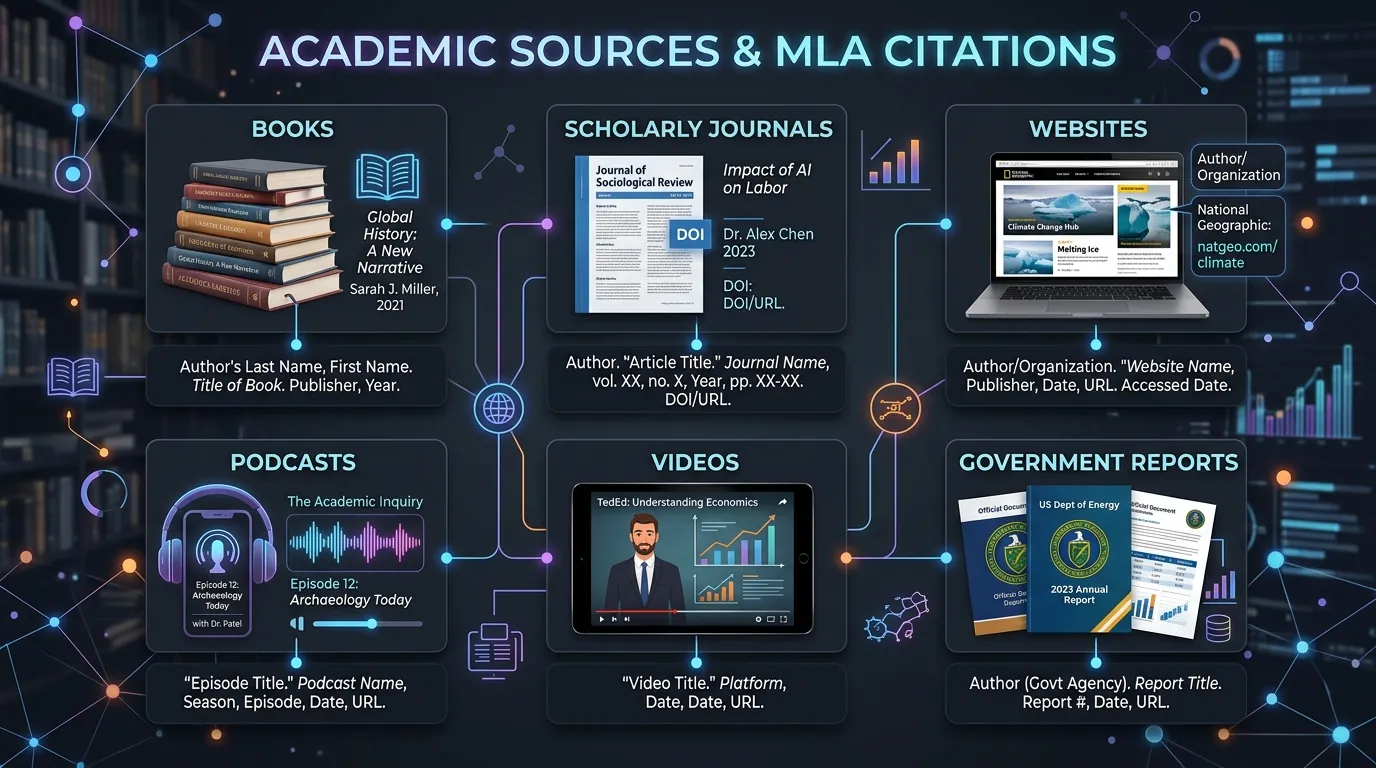
Comprehensive guide to generating MLA citations for books, journals, websites, reports, videos, podcasts, and images with MLA 9 rules.
Read Article →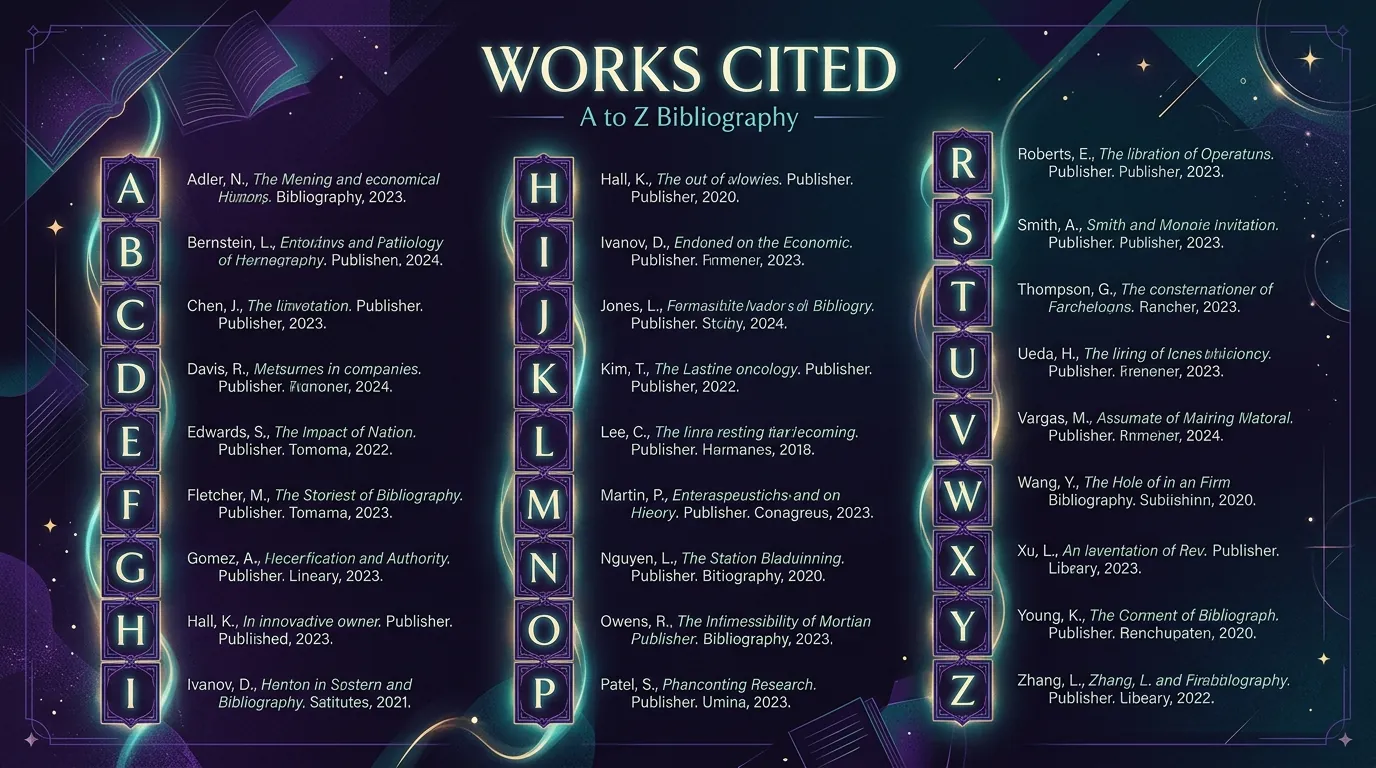
Learn how to alphabetize MLA Works Cited entries correctly. Letter-by-letter sorting rules for identical authors, group authors, and titles starting with numbers.
Read Article →